

How to Monitor Remote Areas of Your Property Without Extending WiFi or Running Wires
Securing the area immediately around a house is relatively simple. The challenge begins when you need to monitor a detached shed, driveway entrance, gate, garden boundary, or another part of the property that sits beyond the reach of your home’s power and WiFi network.
Extending a conventional security system to these areas may mean running power cables, installing network equipment, or relying on outdoor WiFi extenders. Depending on the property, that can add cost and complexity that may not be necessary. Battery-powered security cameras avoid the need for permanent wiring, but frequent motion events, low temperatures, live viewing, and high recording activity can increase power consumption and require more regular maintenance.
Depending on your property layout, here are four practical monitoring architectures to consider.
4 Practical Monitoring Architectures
1. Standalone Cameras
Powered by batteries and designed for long periods of standby operation, these cameras use passive infrared (PIR) sensors to detect activity and capture photos or videos to an SD card. In a basic standalone setup, there is no remote viewing. You need to visit the camera to retrieve the SD card or review the footage locally.
2. Local WiFi Trail Cameras
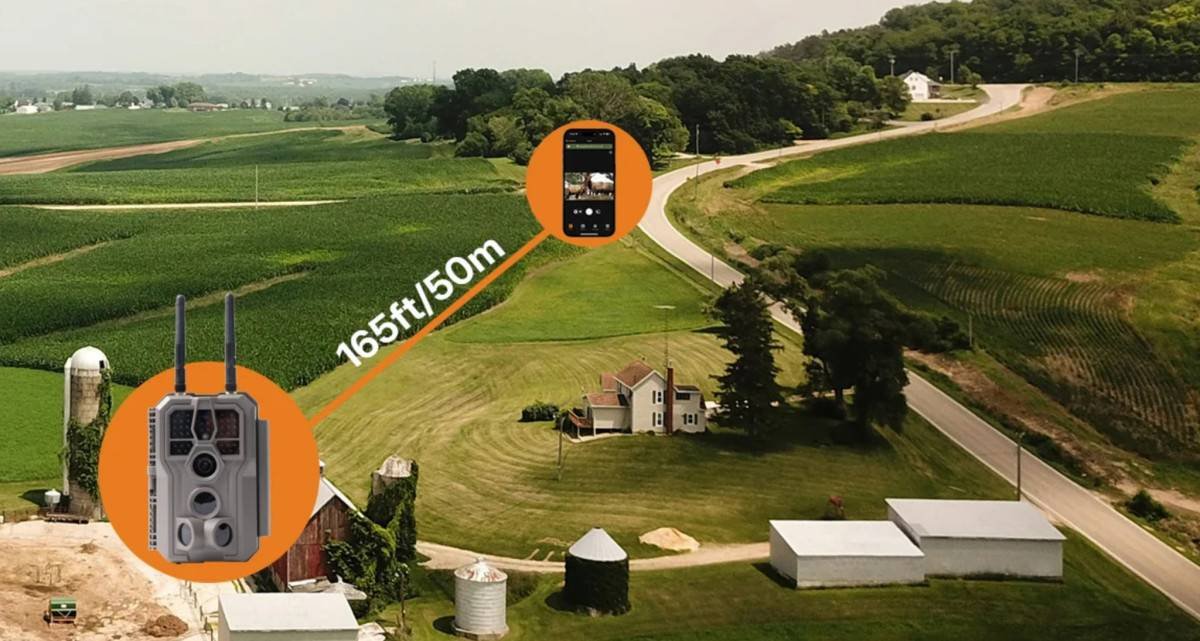
These cameras create their own local wireless network. You can connect a smartphone within the camera’s usable local wireless range to review recorded images and videos without removing the SD card. The actual distance varies significantly by camera design and environmental conditions.
3. Cellular Cameras for Remote Access
These models transmit selected images and, depending on the camera and network conditions, video or other updates through a cellular network to a connected app. They are useful when timely motion alerts and remote updates are important, though they require a data plan and adequate cellular service at the mounting location.
4. Long-Range Hub-Based Camera Systems
For properties that need several cameras to cover areas beyond normal WiFi range, a centralized hub-based system can provide another option. Instead of connecting each battery-powered camera directly to a household router or cellular network, the cameras communicate with a dedicated central hub through a long-range wireless link. The hub is installed near the property’s existing power and internet connection and serves as the connection point between the camera network and the user’s app.
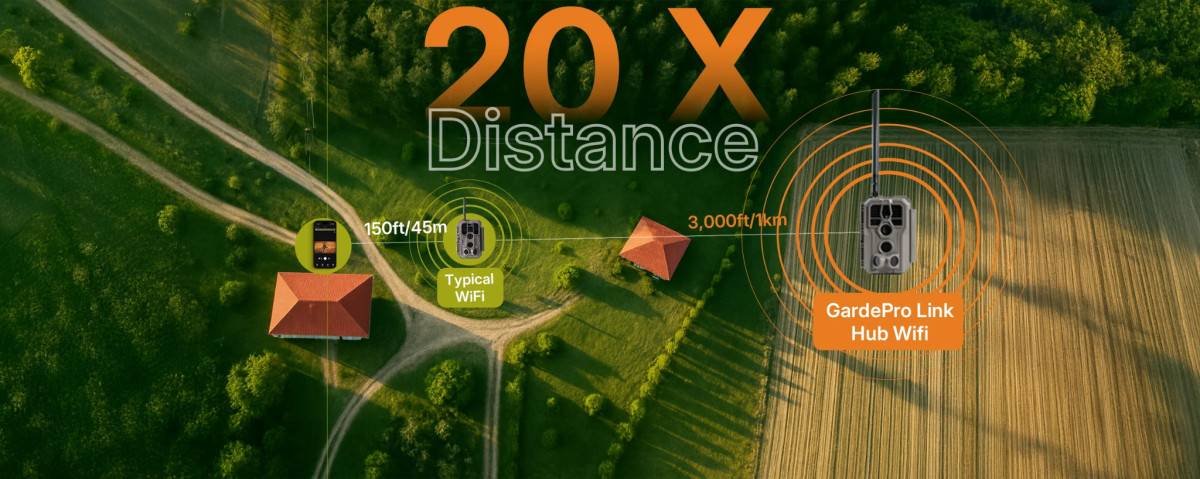
One example is the GardePro Link 1.0, which uses a dedicated hub to connect multiple cameras over a longer wireless distance than conventional camera-to-router WiFi setups. Performance depends on the distance and environment between each camera and the hub. Trees, terrain, buildings, and other obstacles can reduce usable wireless range, so camera placement should be planned around real conditions rather than maximum advertised distance.
| Monitoring Method | Camera Power | Connectivity | Remote Viewing | Best Use |
| Standalone camera | Battery | None | No | Occasional checks and local recording |
| Local WiFi camera | Battery | Direct local connection | Local only | Nearby sheds, gardens, and access points |
| Cellular camera | Battery / solar-assisted | Cellular network | Yes, where service is available | Remote properties and distant locations |
| Hub-based system | Battery cameras + powered hub | Dedicated long-range link to hub | Yes, through the hub’s network connection | Multi-camera coverage across larger properties |
Practical Tips for Off-Grid Deployment
- Pair with Solar Power Where Supported: A compatible solar panel can reduce the need for frequent battery changes and help extend deployment time. Actual performance depends on sunlight, weather, temperature, camera activity, and the power demands of the specific model.
- Choose a Discreet but Practical Mounting Location: Compact outdoor cameras can often be placed on trees, fence posts, or existing structures with less visual impact than installing permanent security hardware. However, cameras should remain accessible enough for battery changes and maintenance, and local laws should be considered when monitoring areas near property boundaries or shared access routes.
- Optimize the Detection Angle: Where possible, position the camera so expected movement crosses the detection zone rather than moving directly toward the camera. This can give the sensor more opportunity to detect activity and capture the subject within the frame. Mounting height should be adjusted based on the target area, camera design, and the size of the people or animals you expect to monitor.
Final Thoughts
Monitoring a remote part of a property does not always require extending household WiFi or installing permanent power and network cables.
The right setup depends on what you need to know and how quickly you need access to the information. A standalone camera may be enough for occasional checks. A local WiFi trail camera can make it easier to review footage nearby. Cellular cameras are better suited to locations that require remote updates, while hub-based long-range systems can help connect multiple battery-powered cameras across a larger property.
Before choosing a system, consider four practical questions: How far is the area from the main building? Is power available? Do you need remote access or only local retrieval? And how often are you willing to maintain the cameras? Answering those questions first makes it easier to choose a monitoring setup that fits the property rather than adding unnecessary wiring, network equipment, or recurring costs.